> For the complete documentation index, see [llms.txt](https://docs.jaka.app/shopify/llms.txt). Markdown versions of documentation pages are available by appending `.md` to page URLs; this page is available as [Markdown](https://docs.jaka.app/shopify/~/revisions/qBK2SlbkfUOfg9BW8kFy/affiliate-dashboard-and-guides/affiliate-portal.md).
# Affiliate portal
What affiliates see and use
### ℹ️ What is the Affiliate Portal?
The **Affiliate Portal** is a dedicated dashboard where affiliates can track performance, get referral links, and manage payouts — all in one place.
The Affiliate Portal is where affiliates:
* View their earnings and performance
* Access referral links and creatives
* Track sales and commissions
* Manage payout information
* Follow setup steps to start promoting faster
This portal helps affiliates work independently without needing help from the store admin.
***
### 📊 Dashboard (First Page Affiliates See)
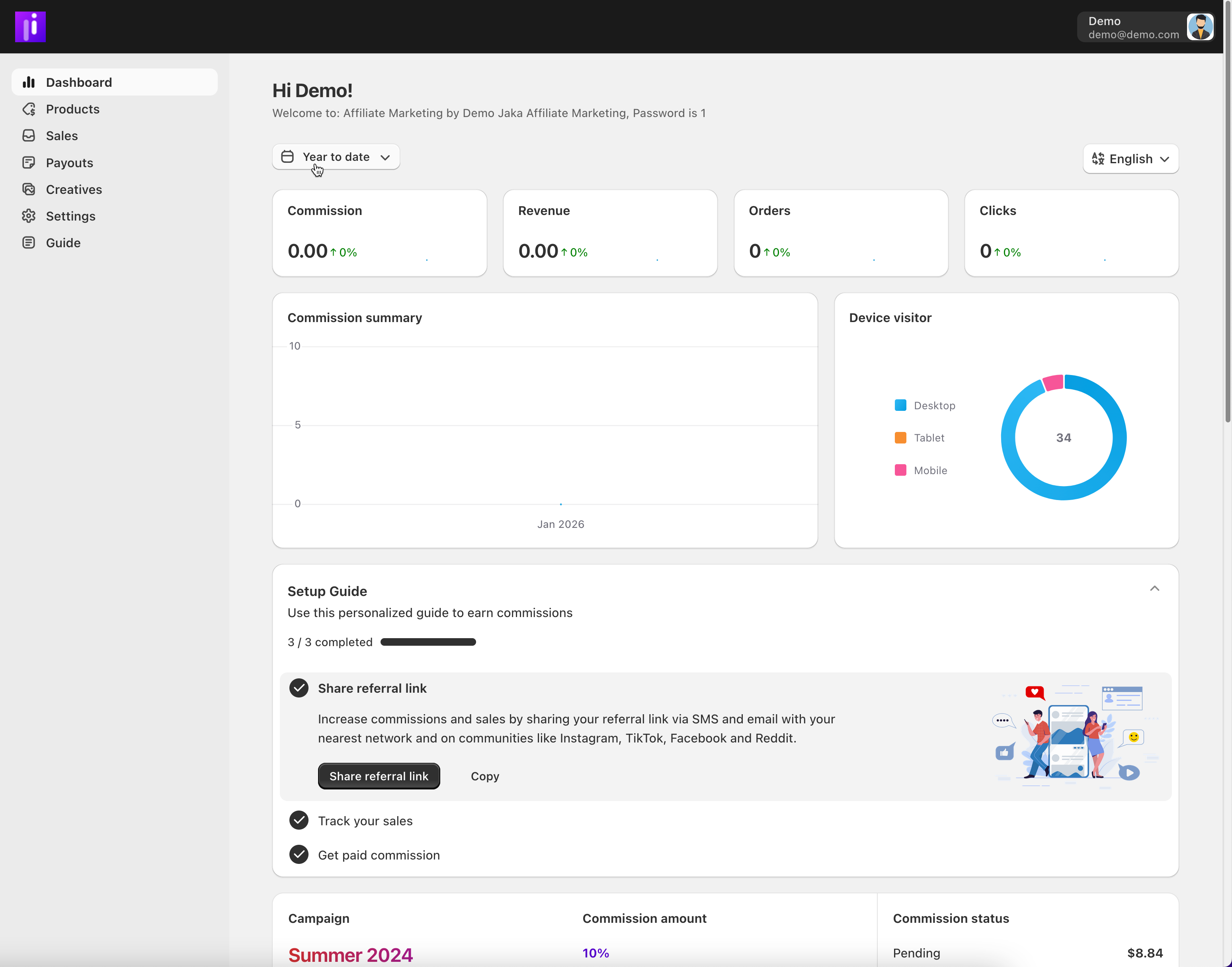
The **Dashboard** gives affiliates a quick snapshot of their performance:
* **Commission** – total earnings
* **Revenue** – sales generated
* **Orders** – number of referred orders
* **Clicks** – referral link traffic
* **Charts** – commission trends and visitor devices
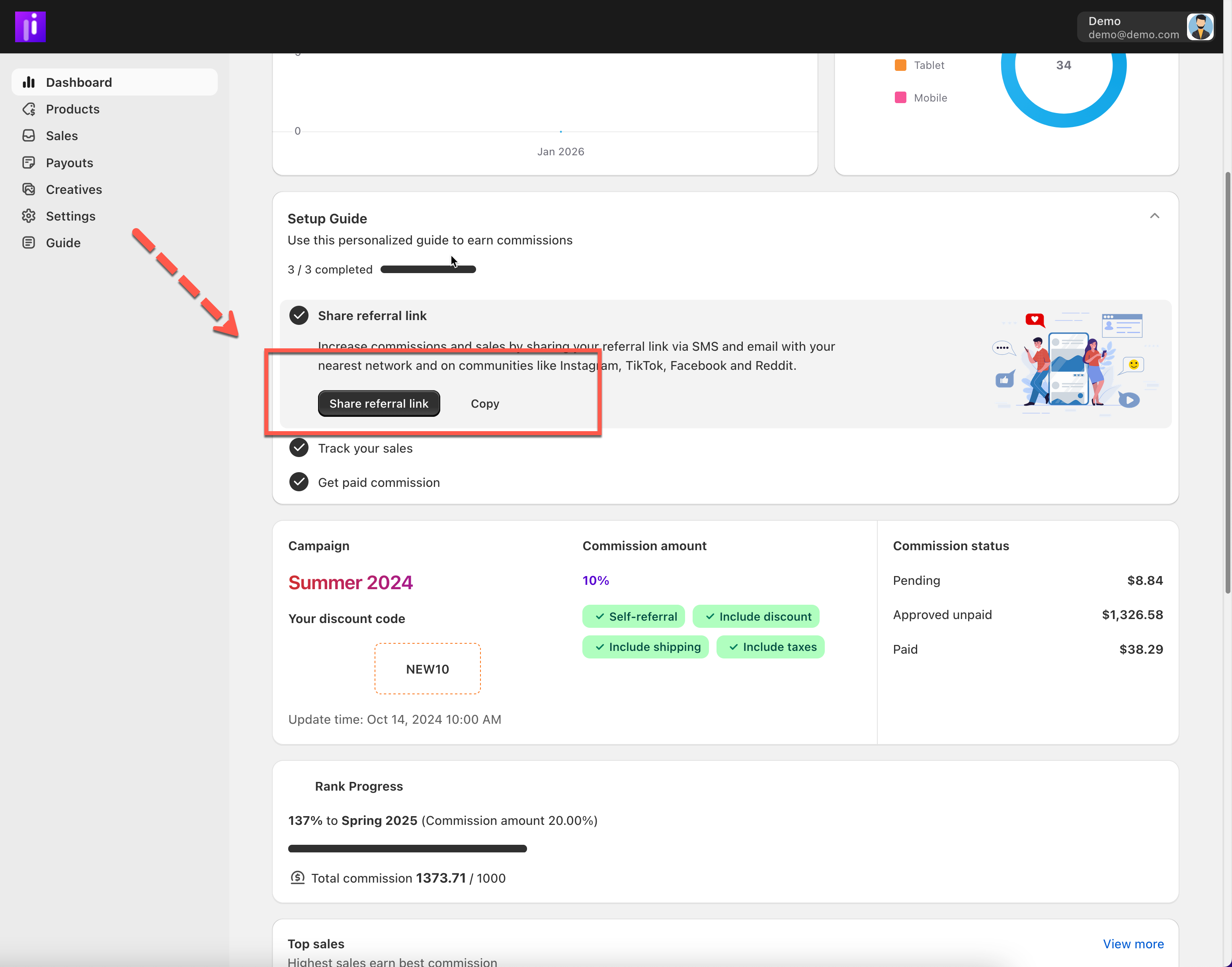
A built-in **Setup Guide** helps new affiliates complete key steps like:
* Sharing their referral link
* Tracking sales
* Getting paid
***
### 🔗 Products & Referral Links
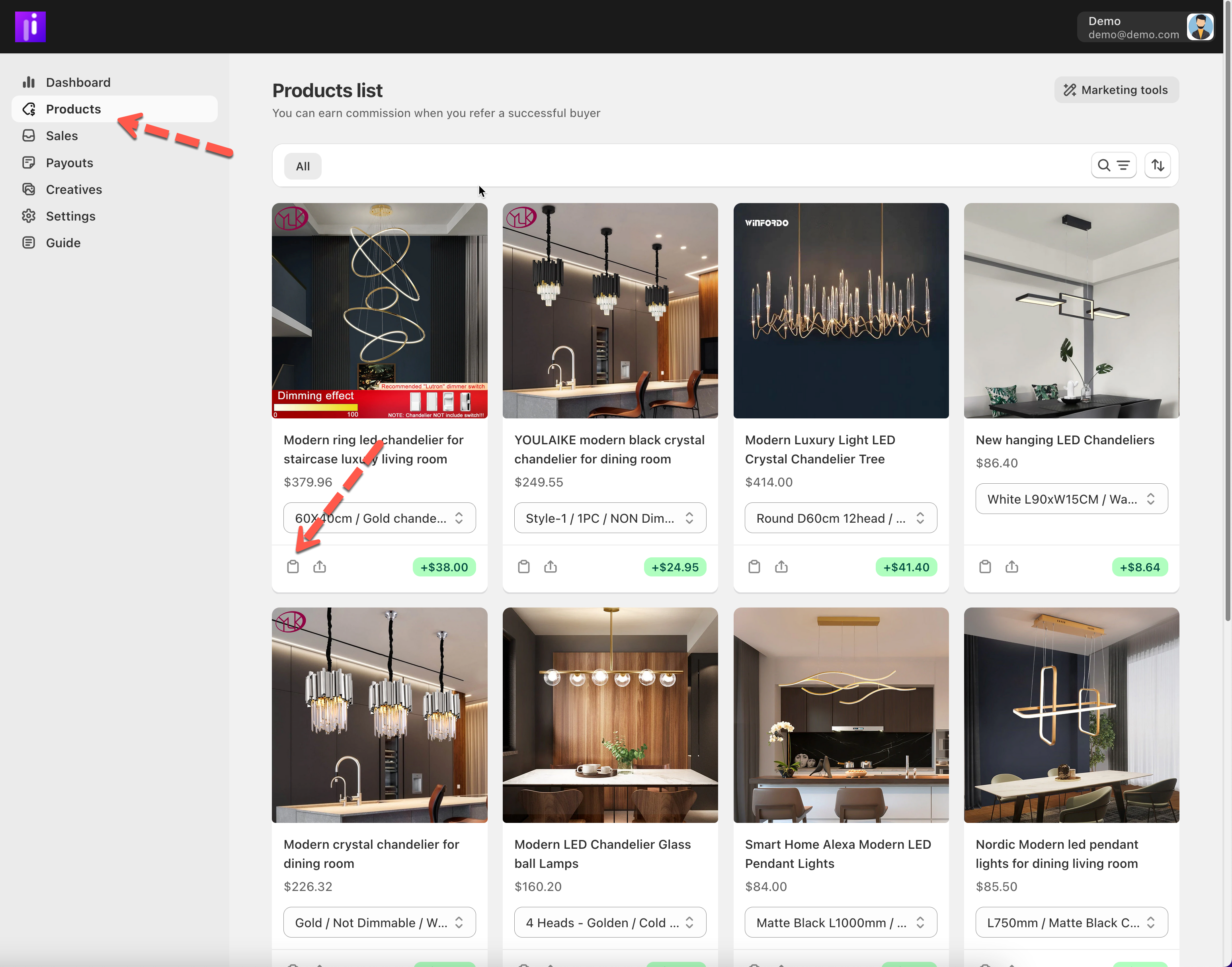
Copy link here
Affiliates can:
* Browse available products
* Generate unique referral links
* Copy links instantly for sharing on social media, blogs, or ads
Every link is automatically tracked by the system.
***
### 🎨 Creatives
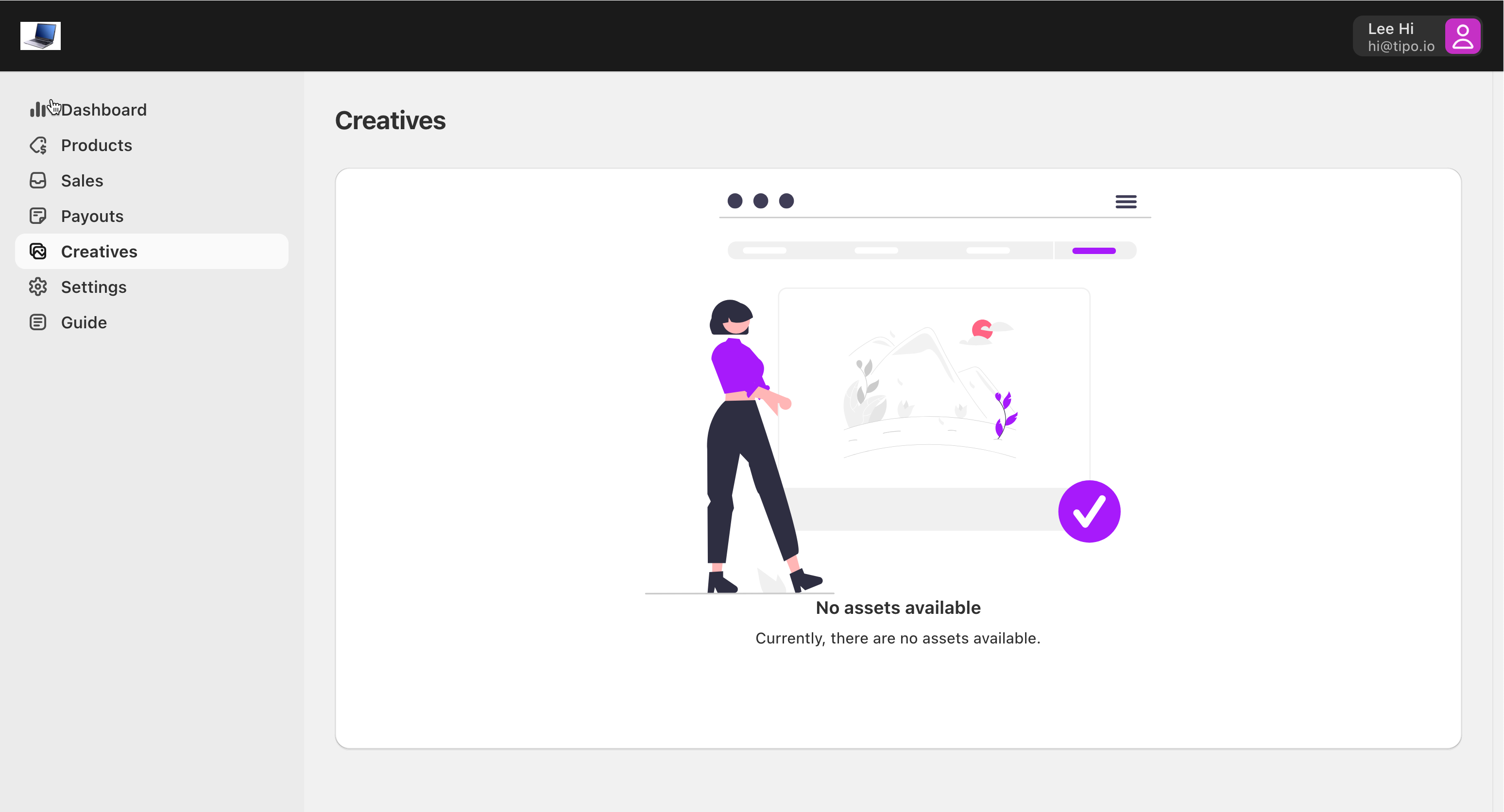
The **Creatives** section provides ready-to-use marketing materials, such as:
* Banners
* Images
* Promotional content
Affiliates can download or copy these assets to promote your brand consistently.
***
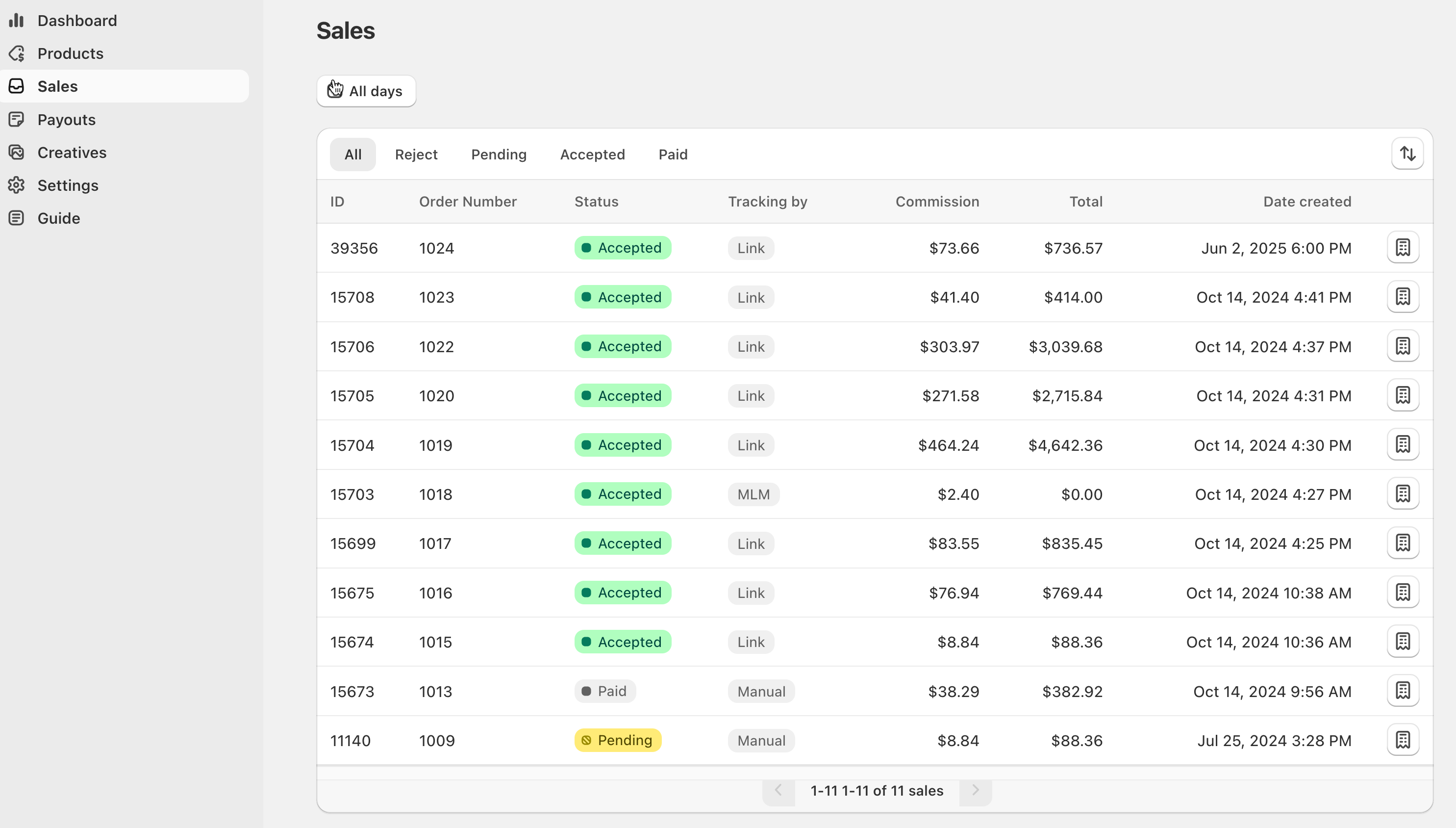
### 💰 Sales & Commissions
In the **Sales** section, affiliates can:
* View all referred orders
* Check commission amounts
* See sale status (pending, approved, paid)
* Open sale details for more information
This keeps earnings transparent and easy to understand.
***
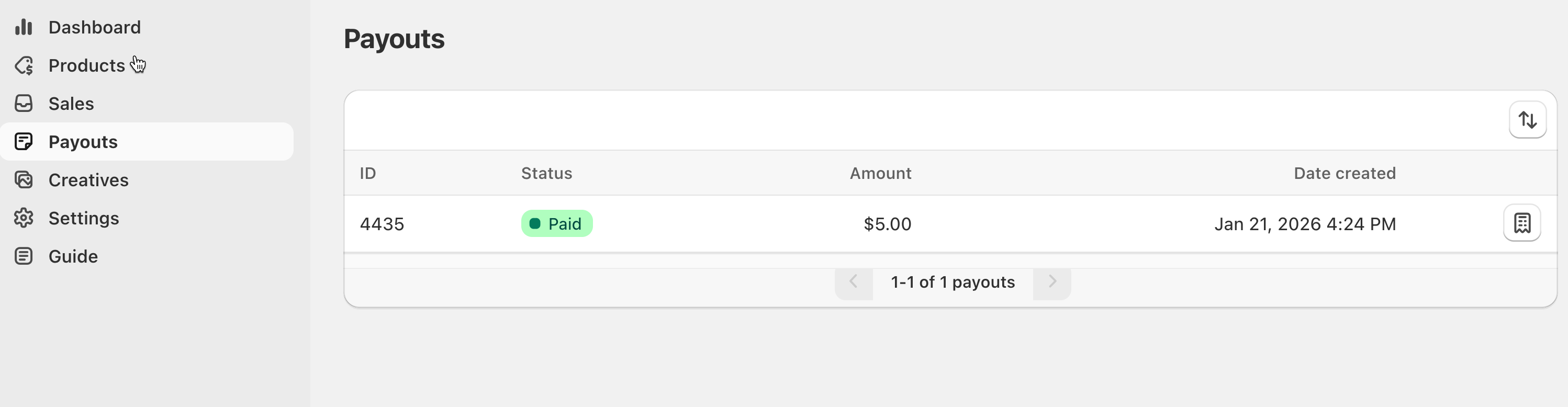
### 💸 Payouts
The **Payouts** section shows:
* Available commissions
* Paid payouts
* Payment history
Affiliates can also see when payouts are processed by the store admin.
> 💡 Payments are reviewed and paid manually by the store admin — they are not automatic.
***
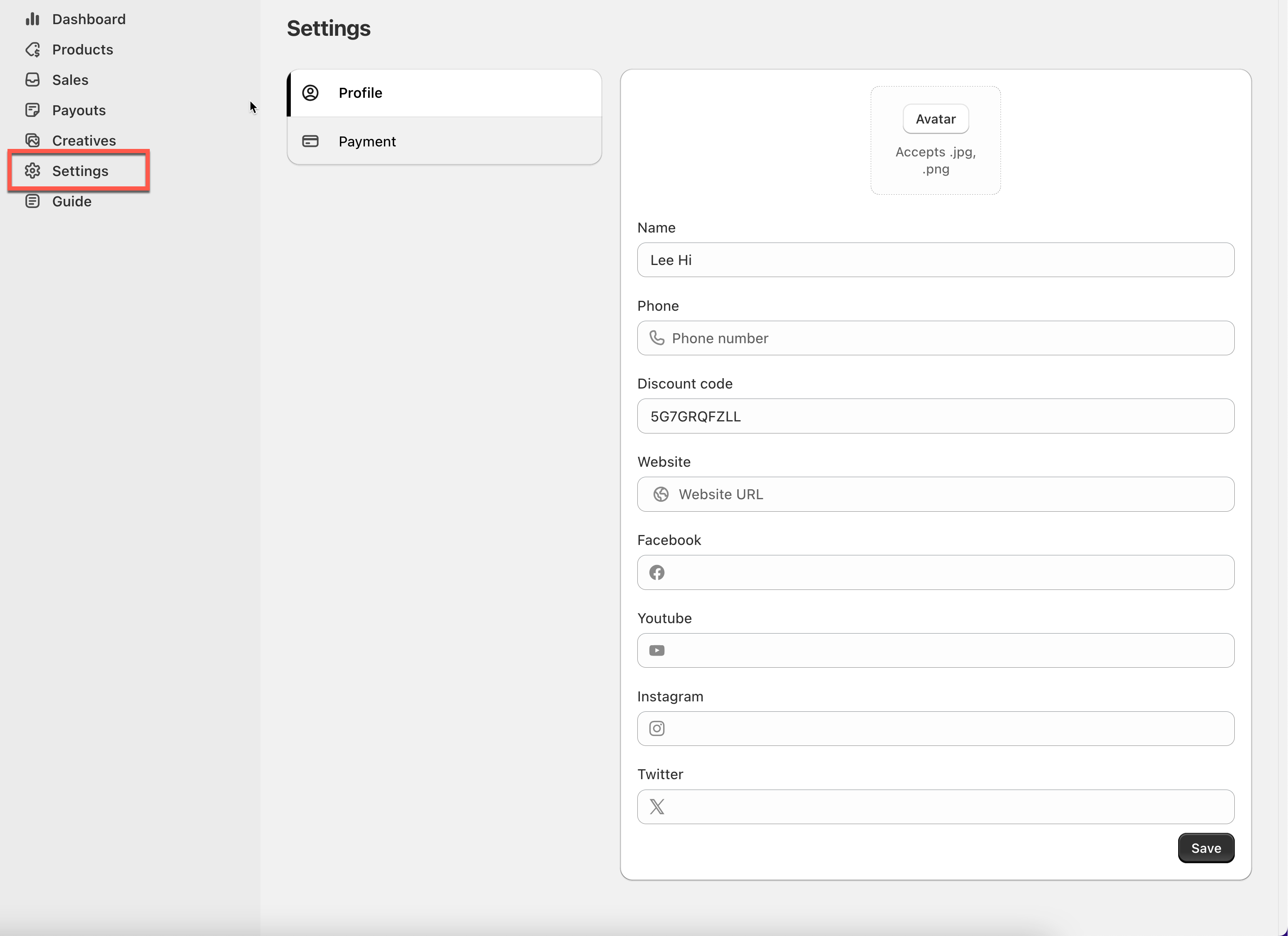
### ⚙️ Settings
Affiliates can manage:
* Profile information
* Payment details (PayPal, bank info, or custom methods)
* Language preferences
Keeping this information up to date ensures smooth payouts.
***