> For the complete documentation index, see [llms.txt](https://docs.jaka.app/shopify/llms.txt). Markdown versions of documentation pages are available by appending `.md` to page URLs; this page is available as [Markdown](https://docs.jaka.app/shopify/pages-and-links/page-and-link-overview.md).
# Page and link Overview
The **Portals** section lets you create and manage affiliate-facing pages that live on a separate domain, independent from your Shopify storefront.
These pages are designed specifically for affiliates—to register, log in, and manage their affiliate activities in one place.
Example portal domain:\
👉 `https://booking-nga.jaka.app/`
### ℹ️ What Is an Affiliate Portal?
An **affiliate portal** is a dedicated website where affiliates can:
* Learn about your affiliate program
* Register to become an affiliate
* Log in to their affiliate dashboard
Unlike your Shopify store, portal pages are built for affiliates, not customers.
***
### ℹ️ Pages Available in Portals
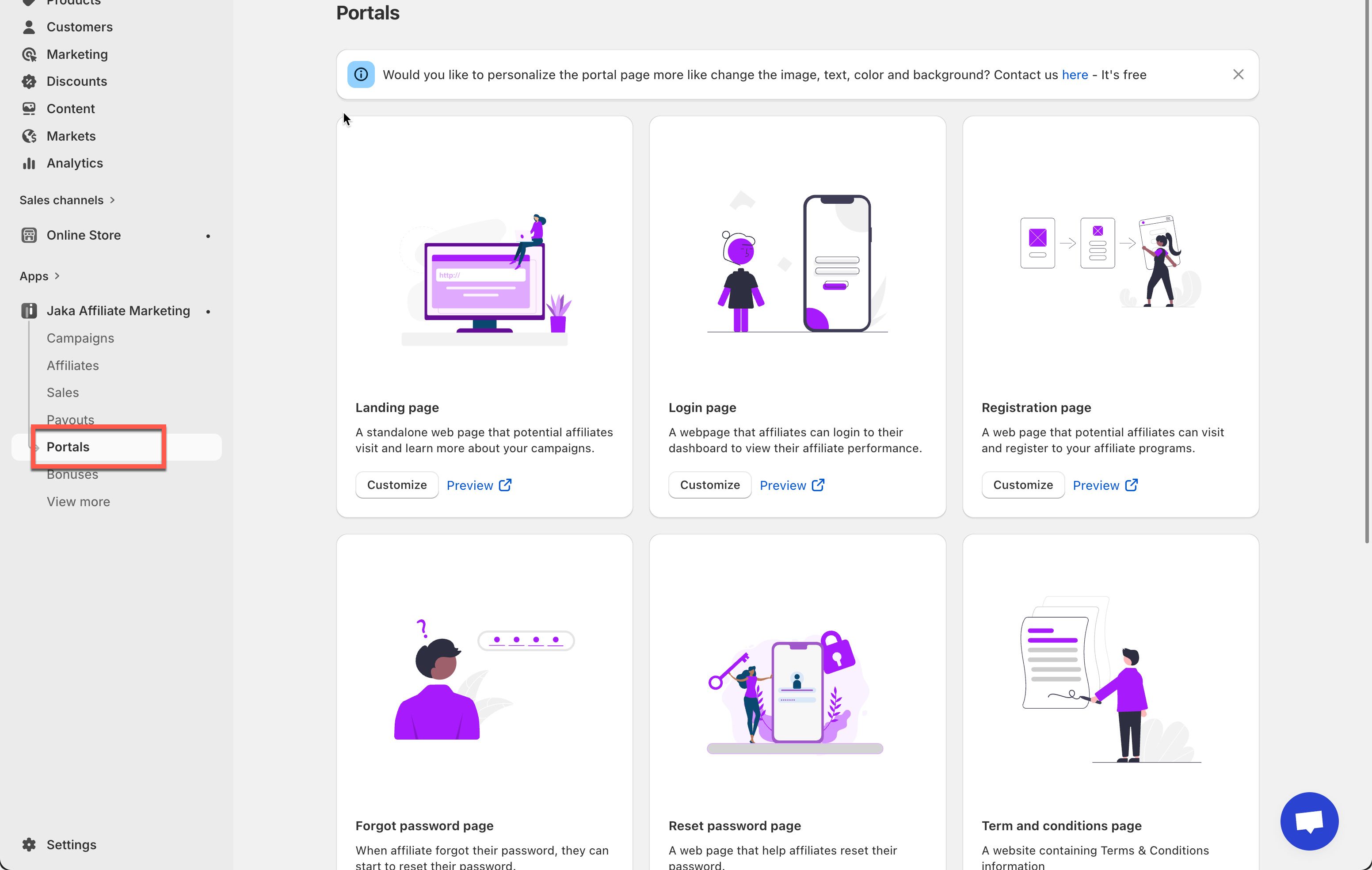
The Portals section includes several ready-made pages you can customize:
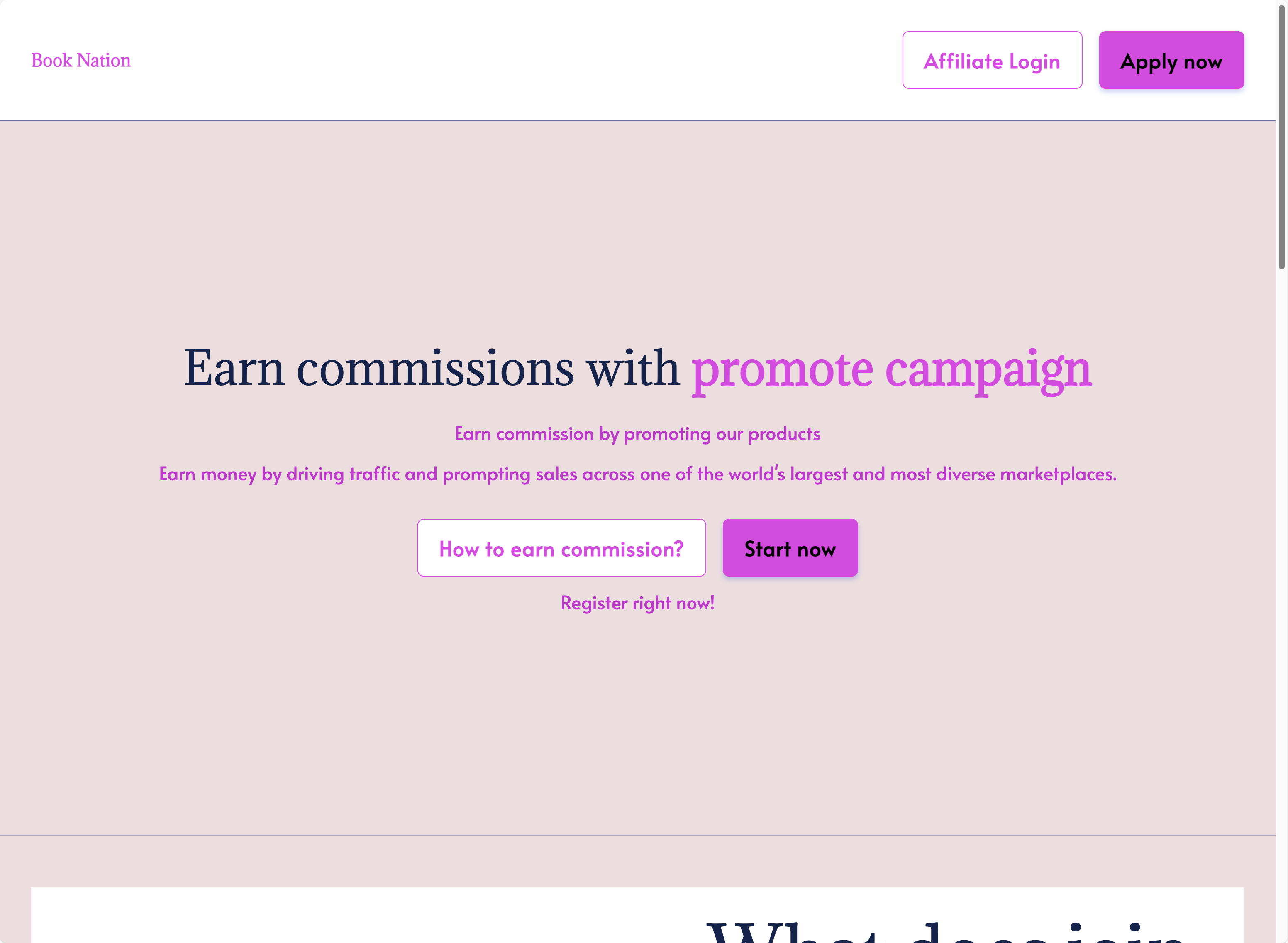
#### 🏁 Landing Page
A public page that introduces your affiliate program and encourages visitors to join.
#### 📝 Registration Page
Where new affiliates sign up and apply to your program.
#### 🔐 Login Page
Where approved affiliates log in to access their dashboard.
#### 🔑 Forgot Password Page
Helps affiliates request a password reset if they forget their login details.
#### 🔄 Reset Password Page
Allows affiliates to create a new password securely.
#### 📄 Terms & Conditions Page
Displays your affiliate program rules and legal information.
***
### 🔗 Separate Domain for Affiliates
All portal pages are hosted on a dedicated affiliate domain, such as:
```
https://booking-nga.jaka.app/
```
This helps you:
* Keep affiliate traffic separate from customer traffic
* Provide a professional affiliate experience
* Share clean, trusted links with partners
> 💡 You can also connect a [**custom domain**](https://docs.jaka.app/shopify/~/revisions/7eOZXBHVC30BeOz9B1pA/pages-and-links/custom-domain) (for example: `affiliate.yourstore.com`) if needed.
***
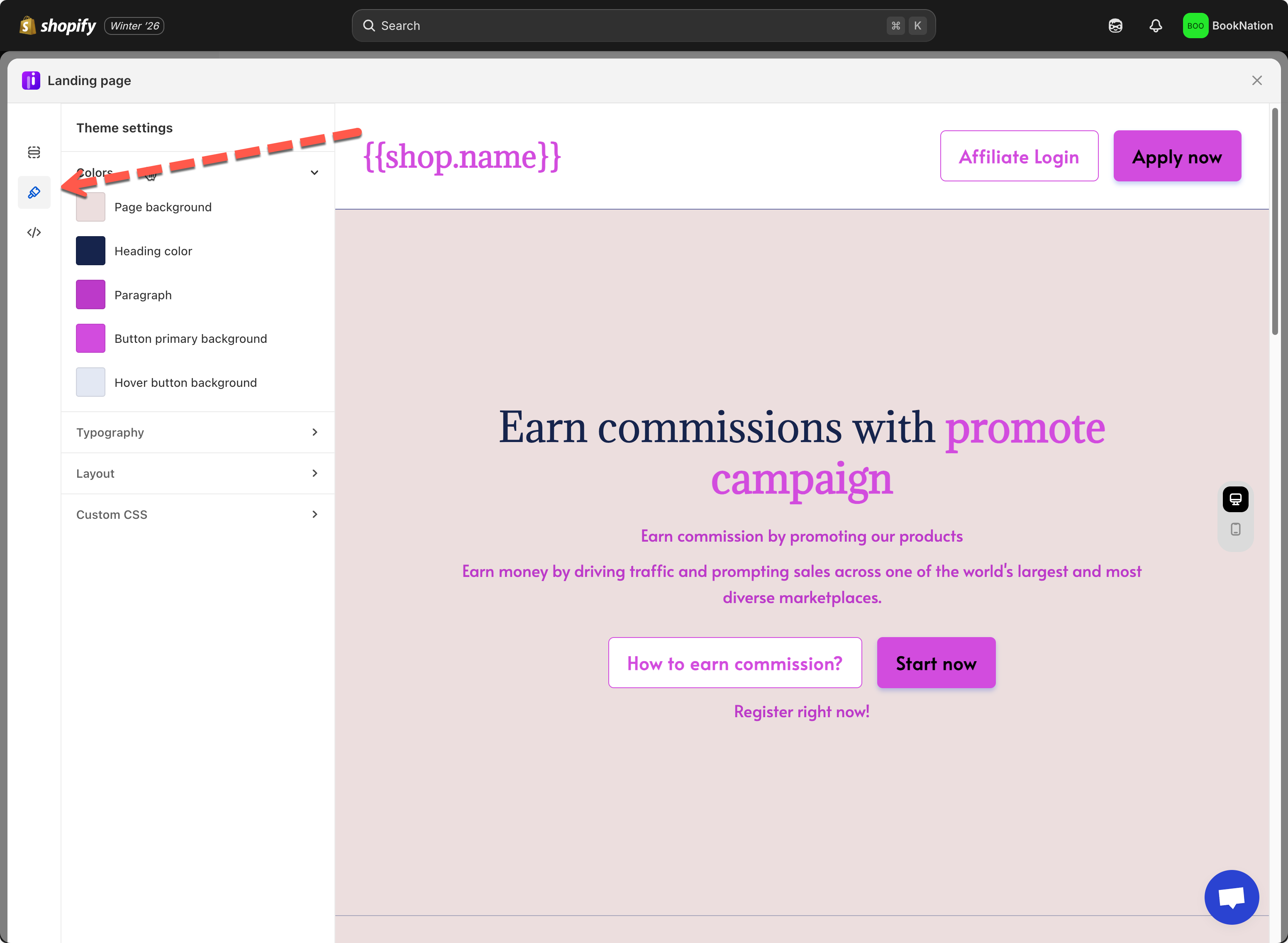
### 🎨 Customize the Portal Experience
You can customize portal pages to match your brand, including:
* Text content
* Images and banners
* Buttons and call-to-action text
* Brand colors and logo
This ensures affiliates see a branded and consistent experience when interacting with your program.
***
### 🔁 How Portals Fit Into Your Affiliate Program
1. You manually share the **landing page** or link the page to store menu
2. Affiliates visit your **portal landing page**
3. They register using the **registration page**
4. Approved affiliates log in via the **login page**
5. Affiliates manage links, track sales, and earn commissions
All actions are synced automatically with your Shopify store and campaigns.
***
#### 🎯 What to Do Next
* [Customize your **Landing Page** to attract affiliates](https://docs.jaka.app/shopify/~/revisions/rpY9mFDjQMRHRtjRdnC9/pages-and-links/affiliate-landing-page)
* [Add affiliate landing page to the store ](https://docs.jaka.app/shopify/~/revisions/rpY9mFDjQMRHRtjRdnC9/pages-and-links/add-landing-page-to-store)
* [Set up a **Custom Domain** ](https://docs.jaka.app/shopify/~/revisions/rpY9mFDjQMRHRtjRdnC9/pages-and-links/custom-domain)(optional)