> For the complete documentation index, see [llms.txt](https://docs.jaka.app/shopify/llms.txt). Markdown versions of documentation pages are available by appending `.md` to page URLs; this page is available as [Markdown](https://docs.jaka.app/shopify/pages-and-links/affiliate-signup-link.md).
# Affiliate Signup Link
### 🧩 What Is the Affiliate Signup Link?
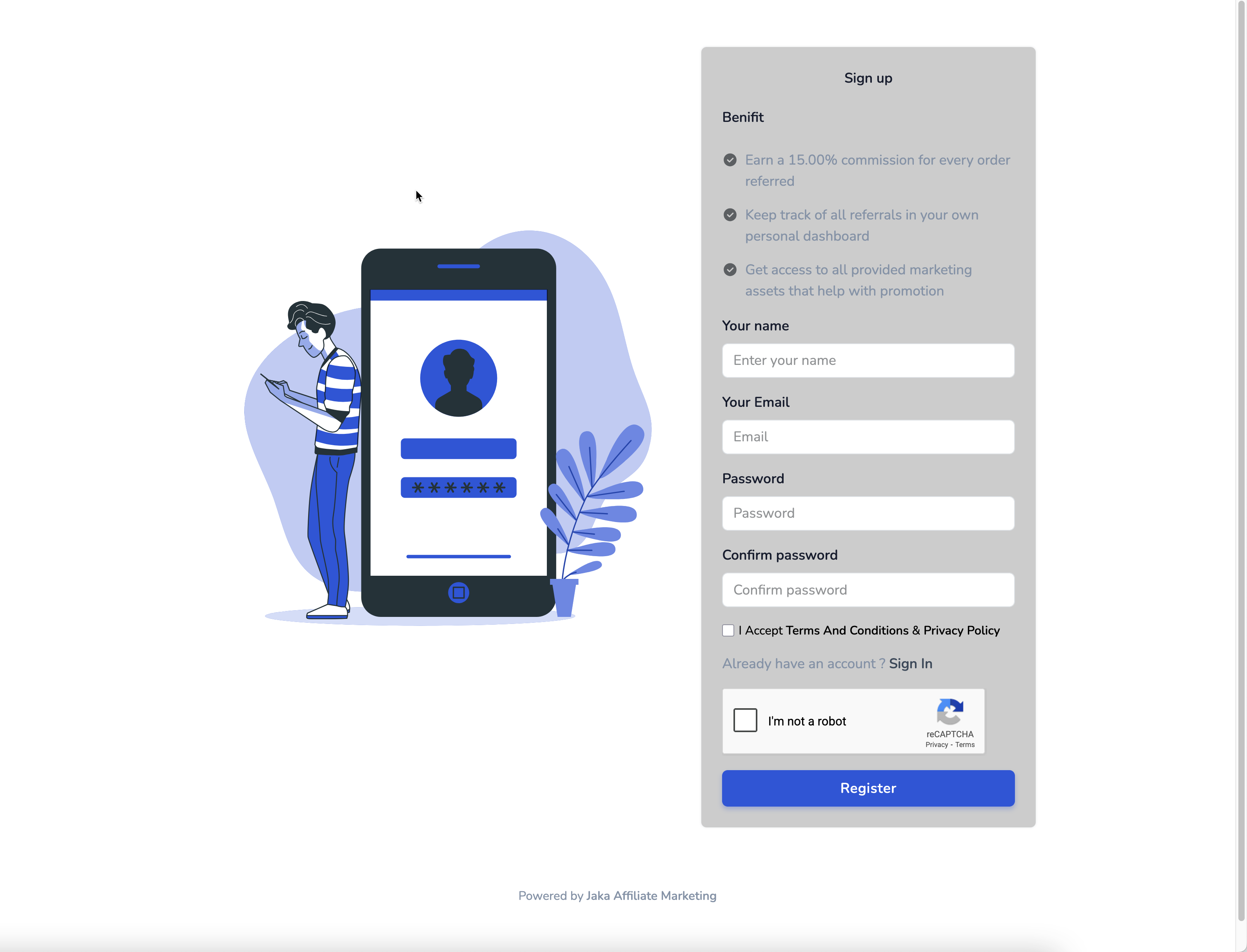
After you create a campaign, Jaka automatically generates an **Affiliate Signup Link**. This link allows people to **register as affiliates for a specific campaign**.
Each campaign will have a specific affiliate registration form to share to affiliates.
When someone opens this link:
* They see a signup form
* They register as an affiliate
* They are automatically linked to the selected campaign
* Their affiliate account is created in Jaka
### ⚙️ Where to Find the Affiliate Signup Link
1\. Open the app > click **Campaigns** > open a particular campaign
2\. Find the Register campaign link on the right
You can share the link anywhere, for example:
* Email
* WhatsApp / Telegram
* Social media
* Influencer outreach
* Your website or landing page
Anyone who signs up using this link will be registered only for that campaign.
**Note**: in case you have multiple campaigns, the affiliate registration form showing on Home would be the form of your default campaign.
***
#### **Still need support?**
If you still need help, please feel free to contact us at . We’ll be happy to assist you further.