> For the complete documentation index, see [llms.txt](https://docs.jaka.app/shopify/llms.txt). Markdown versions of documentation pages are available by appending `.md` to page URLs; this page is available as [Markdown](https://docs.jaka.app/shopify/affiliate-managment/add-affiliates/affiliate-registration-signup-link.md).
# Affiliate Registration (Signup Link)
Affiliate Registration allows affiliates to **sign up by themselves** using a registration link generated by the Jaka Affiliate Marketing app.\
This is the easiest way to onboard affiliates without manually creating accounts.
***
### ✅ How Affiliate Registration Works
{% stepper %}
{% step %}
#### You create a campaign
{% endstep %}
{% step %}
#### The app automatically generates an affiliate signup link
{% endstep %}
{% step %}
#### You share this link with potential affiliates
{% endstep %}
{% step %}
#### Affiliates open the link and submit the registration form
{% endstep %}
{% step %}
#### The affiliate is added to your program (approved automatically or manually, based on settings)
{% endstep %}
{% endstepper %}
> 💡 The signup link is **campaign-specific**, so affiliates will join the correct campaign automatically.
***
### ⚙️ Where to Find the Affiliate Registration Link
After creating a campaign:
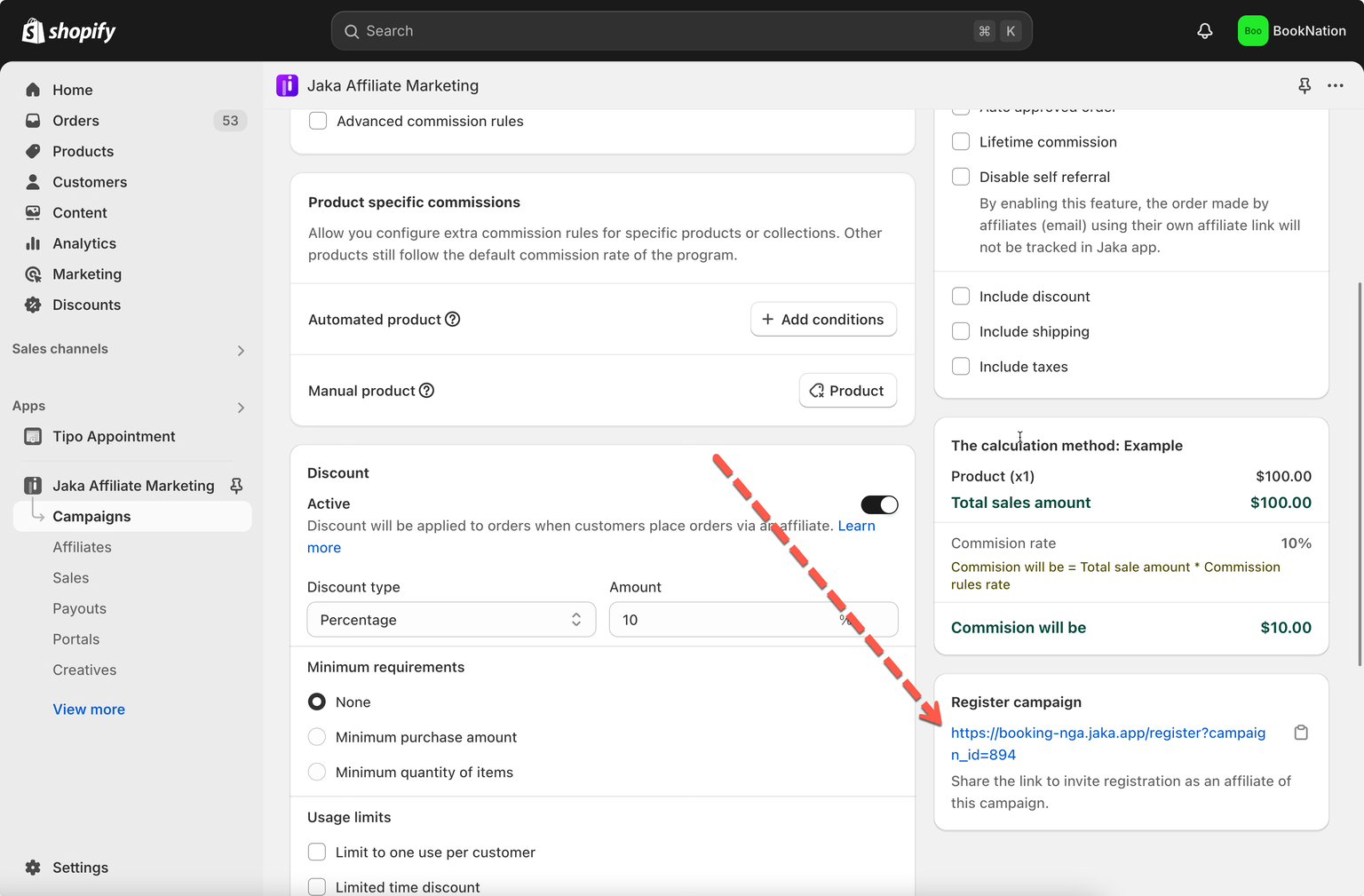
1. Go to **Jaka Affiliate Marketing → Campaigns**
2. Open your campaign
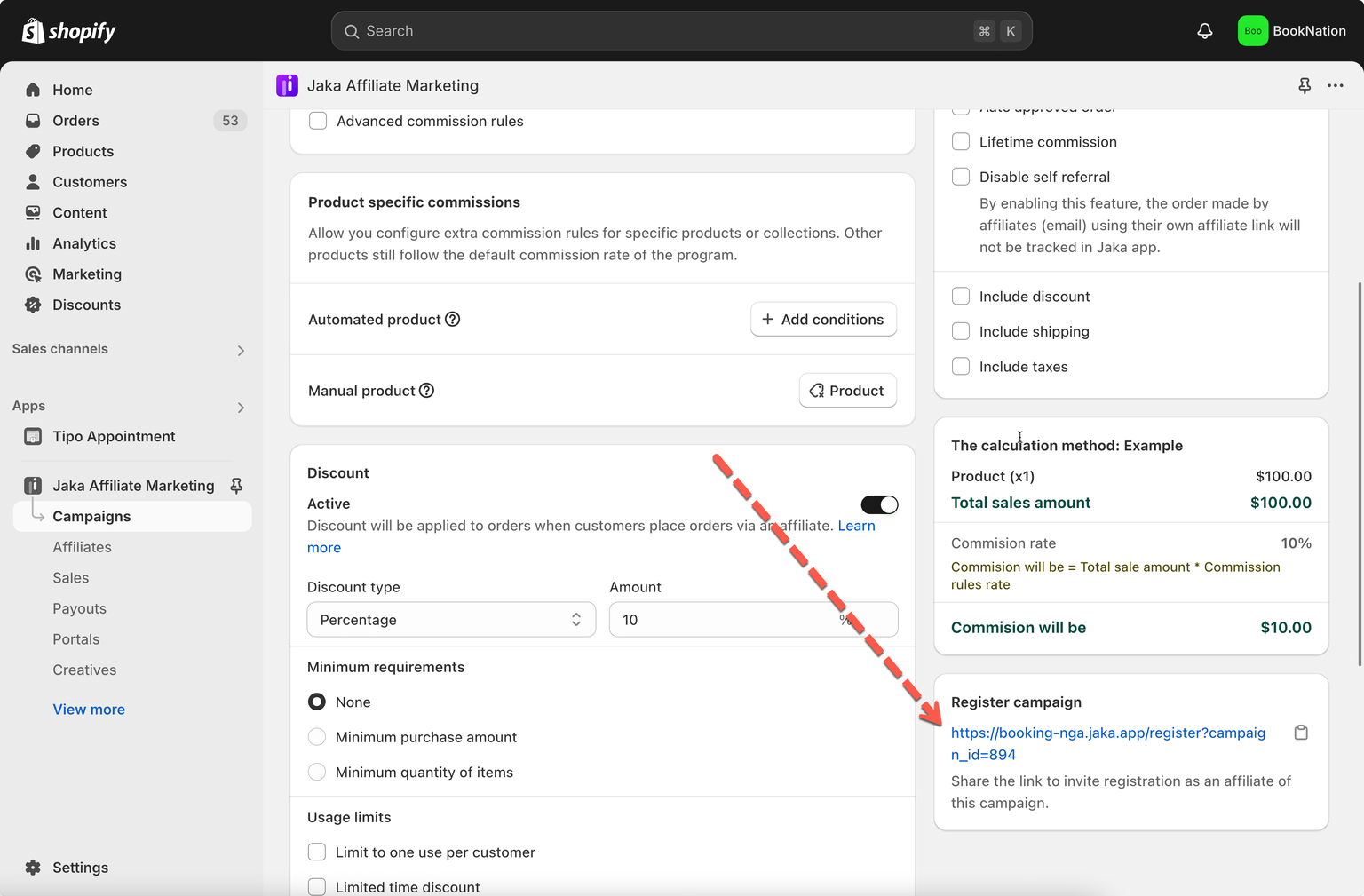
3. Look for the **Register campaign** section
4. Copy the **affiliate registration link**
📌 This link can be shared anywhere: email, social media, website, or landing page.
***
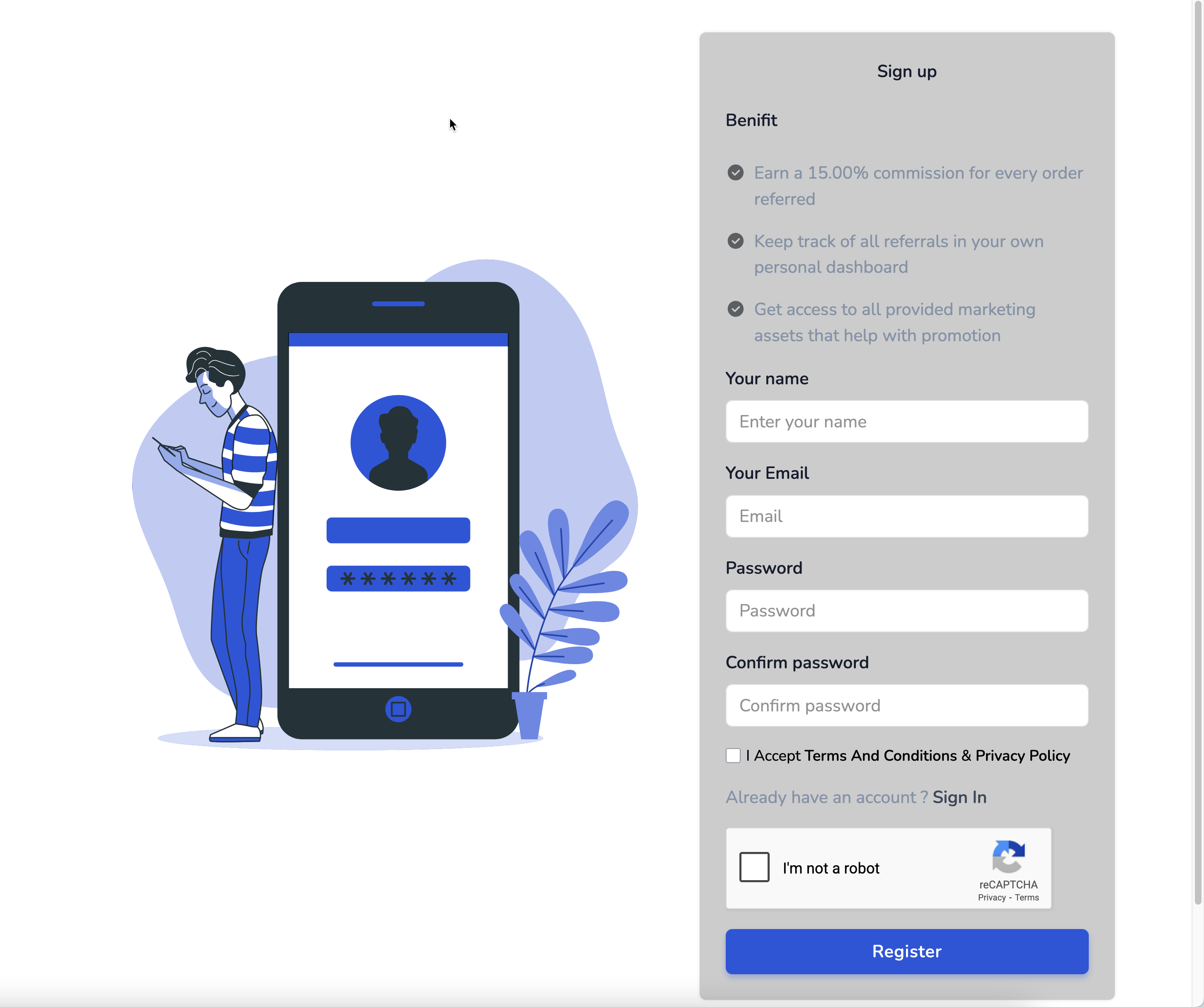
### 📝 What Affiliates See When Signing Up
When affiliates open the registration link, they will:
* Enter basic information (name, email, password)
* Create their affiliate account
* Be automatically linked to the campaign
* Receive their:
* Affiliate referral link
* (Optional) Discount code
* Access to the affiliate dashboard
***
### 🧪 Example
> You run a campaign called **“Summer Promo”**
* You copy the affiliate registration link
* You share it with influencers
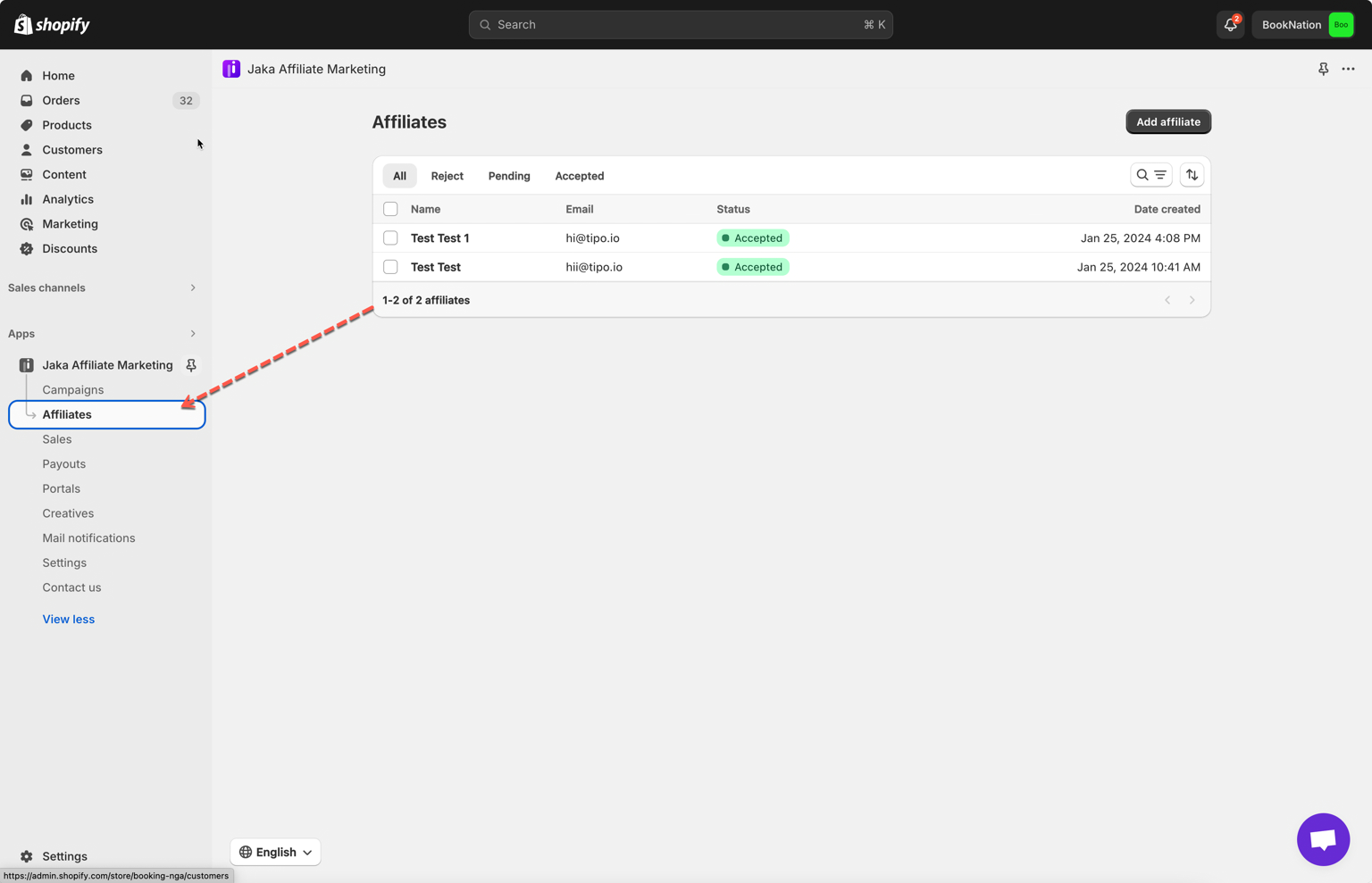
* Laura clicks the link and signs up
* Laura is added as affiliate of the campaign **Summer Promo** in the app.