> For the complete documentation index, see [llms.txt](https://docs.jaka.app/shopify/llms.txt). Markdown versions of documentation pages are available by appending `.md` to page URLs; this page is available as [Markdown](https://docs.jaka.app/shopify/affiliate-dashboard-and-guides/quick-guide-for-affiliates/start-promoting.md).
# Start promoting
You’re ready to start earning commissions.\
This guide shows simple ways to promote products and get your first sale.
***
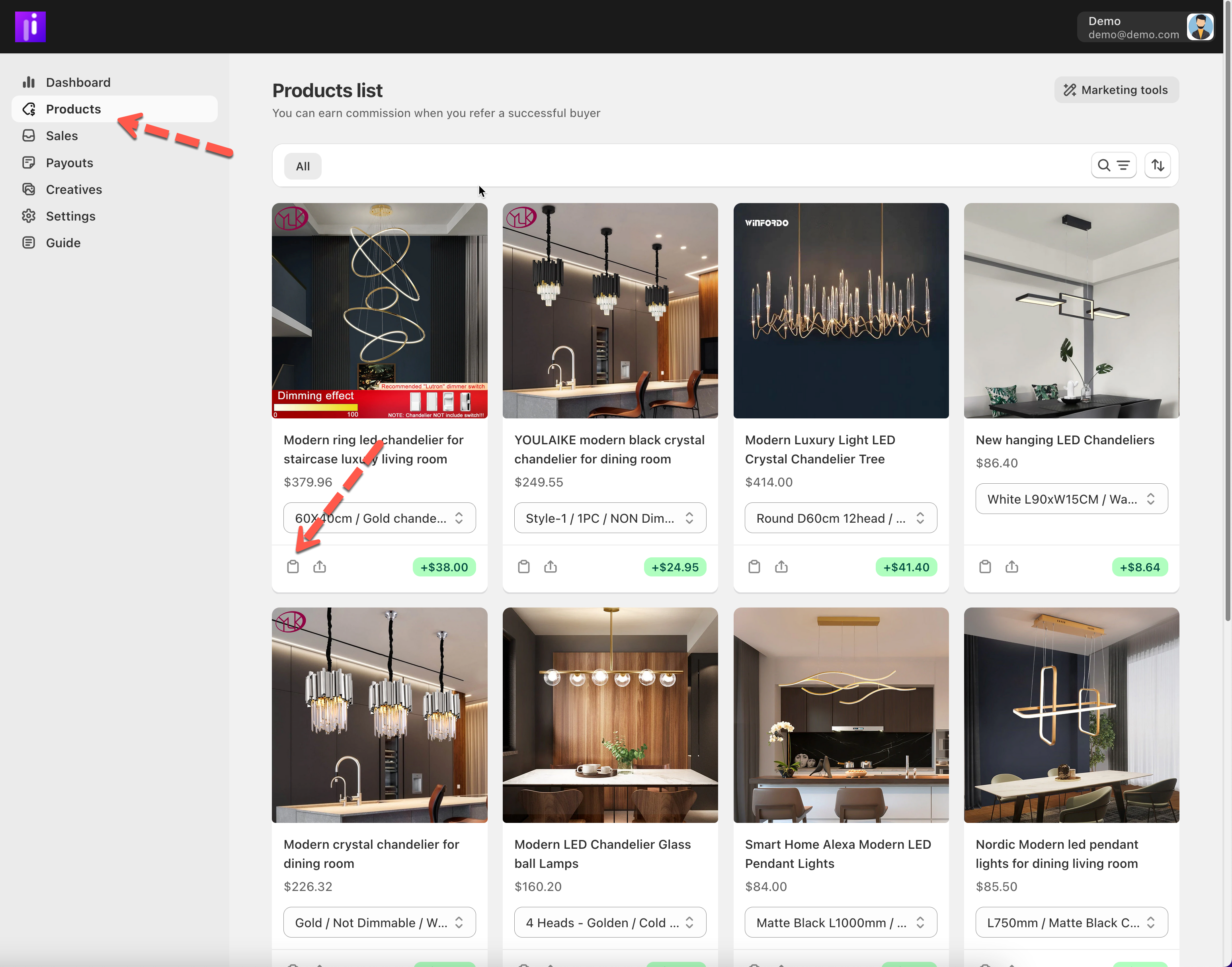
### ⚙️ Step 1: Choose What to Promote
Start with:
* Products you like or already use
* Best-selling or featured products
* Campaigns with discounts or higher commissions
***
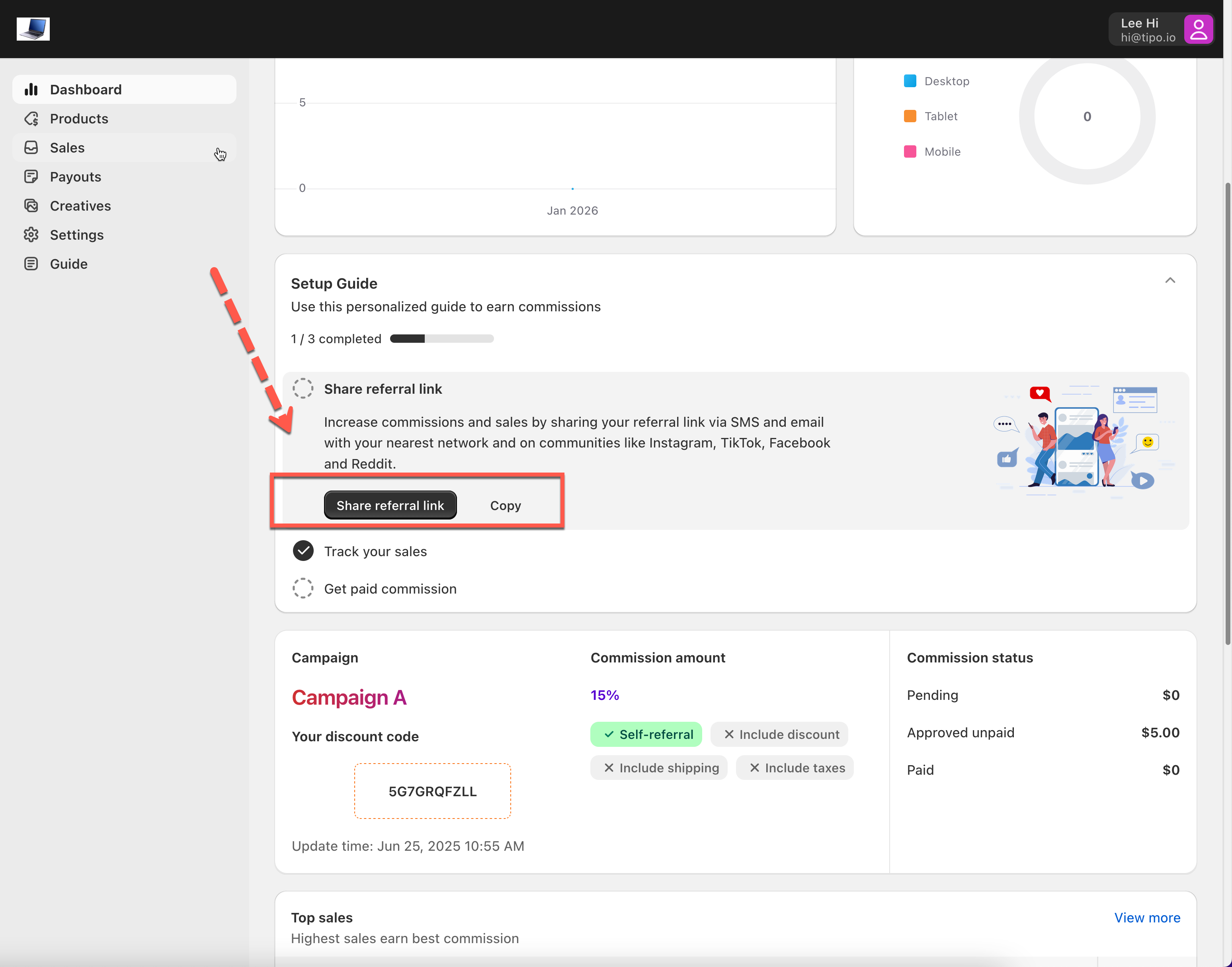
### ⚙️ Step 2: Share Your Referral Link
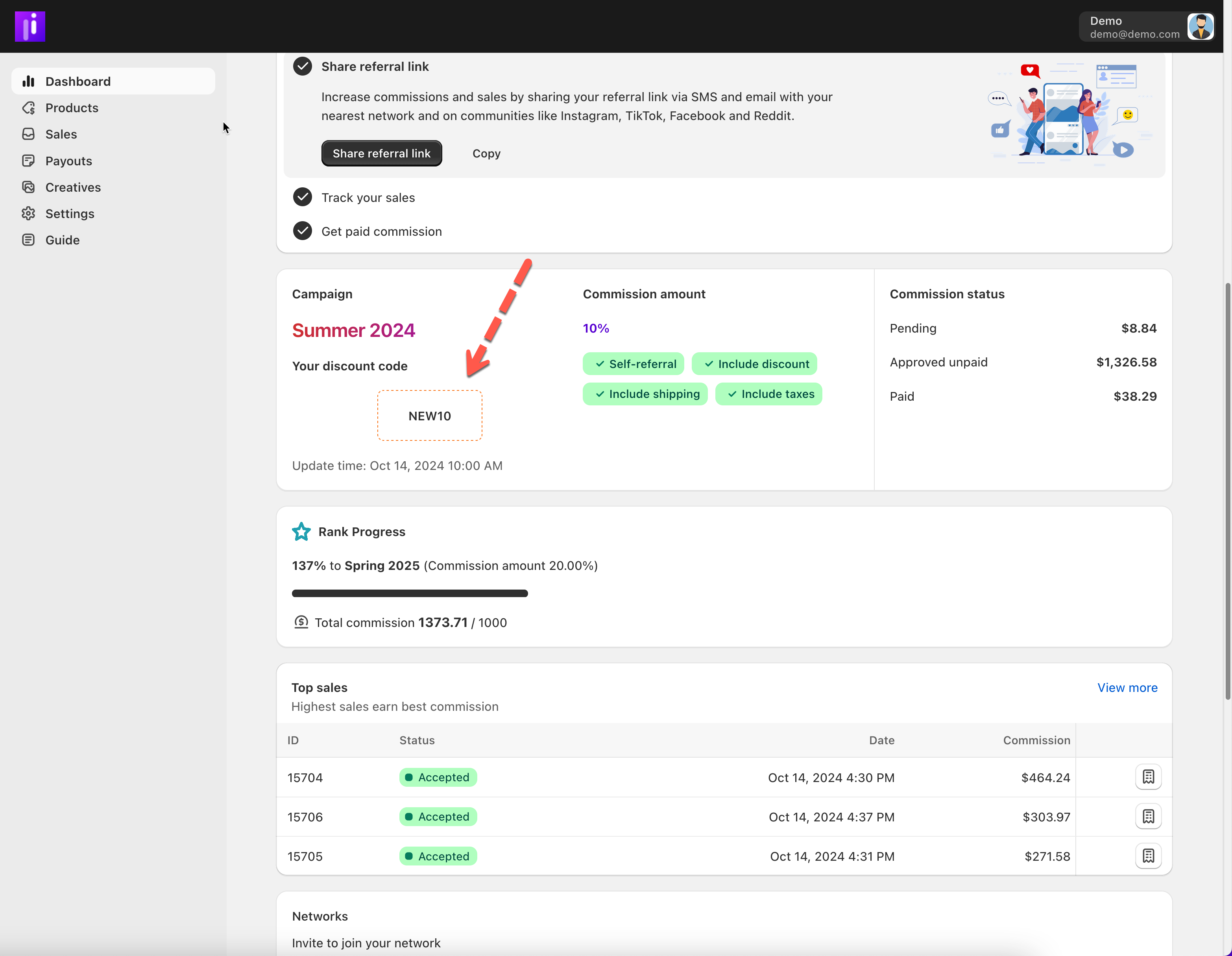
Use your **referral link or discount code** whenever you promote.
Best places to start:
* Social media bio (Instagram, TikTok, X)
* Personal messages to friends or customers
* Facebook groups or online communities
* Blog posts or short reviews
💡 Tip: Always test your link before sharing.
***
### ⚙️ Step 3: Add a Short Message
Don’t just drop a link — add context.
Examples:
* “I’ve been using this and love it 👇”
* “Use my code **SAVE10** for a discount”
* “This is one of my favorite products right now”
Authentic messages convert better than hard selling.
***
### ⚙️Step 4: Use Discounts (If Available)
If you have a discount code:
* Mention it clearly
* Highlight the benefit to the customer
* Combine it with your referral link
Discounts help increase clicks and sales.
***
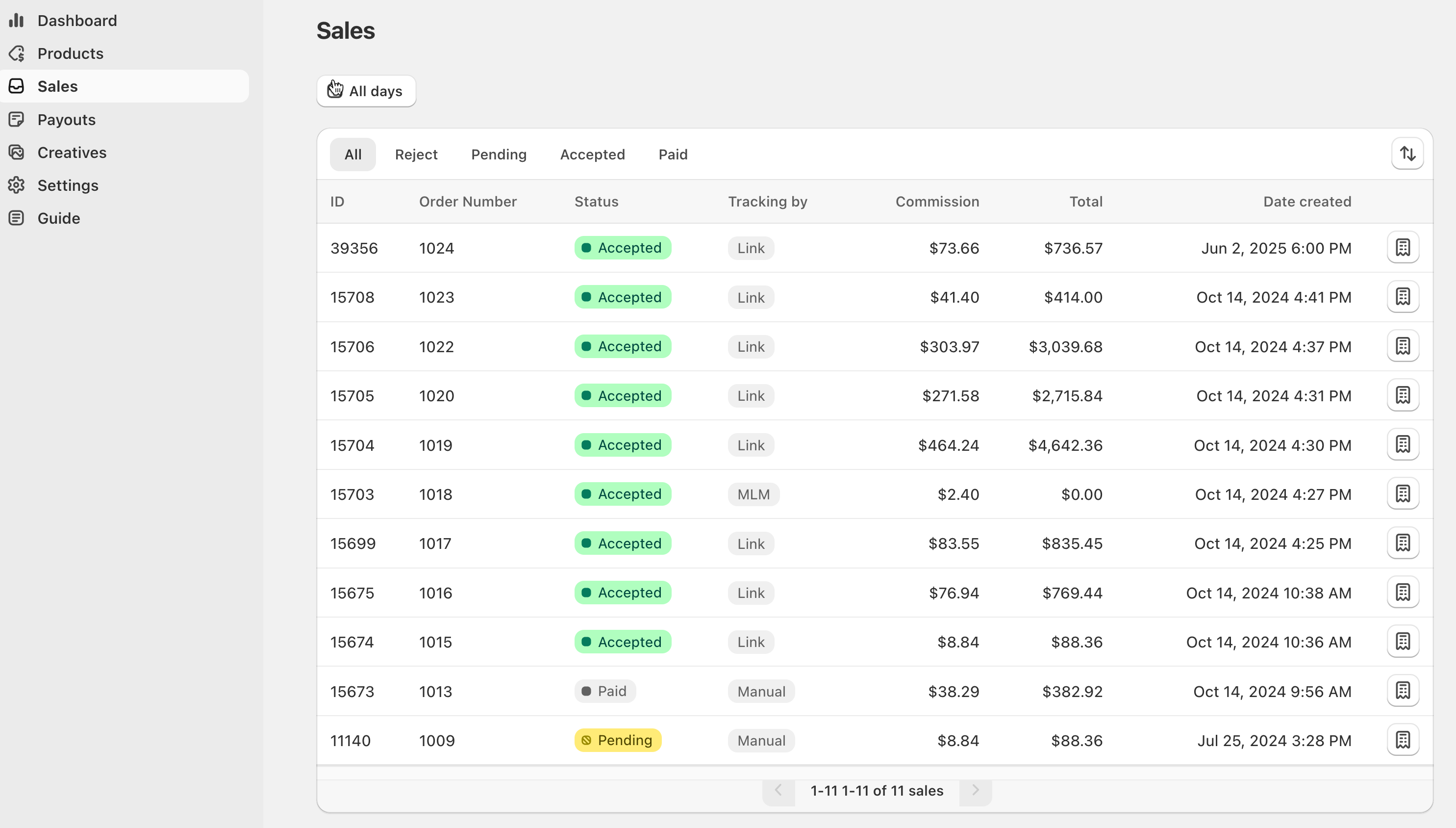
### ⚙️ Step 5: Track Your Results
After sharing:
* Check **Sales** to see orders
* Check **Dashboard** for clicks and commissions
* Improve what works best