> For the complete documentation index, see [llms.txt](https://docs.jaka.app/shopify/llms.txt). Markdown versions of documentation pages are available by appending `.md` to page URLs; this page is available as [Markdown](https://docs.jaka.app/shopify/affiliate-dashboard-and-guides/quick-guide-for-affiliates/promotion-resources.md).
# Promotion resources
In Jaka Affiliate Marketing, everything you need to promote is already prepared for you.
This guide shows what you can use and where to find it.
### ⭐ Referral Links
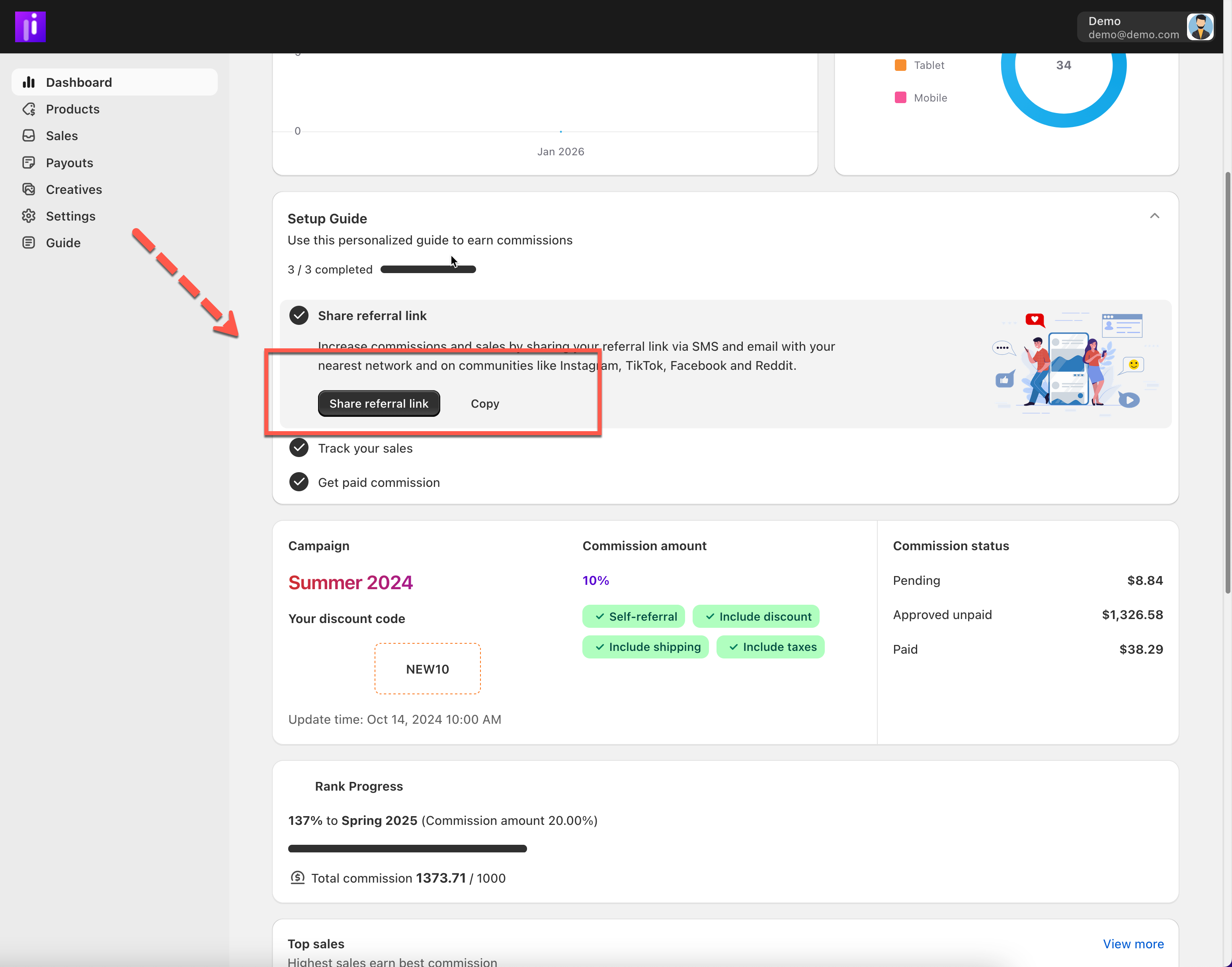
Your referral link is the main way to track sales and commissions.
You can find it in your affiliate profile under **Promote**.
What you’ll see:
* **Referral link** – your full tracking link
* **Short link** – easy to share on social media
* **QR code** – useful for offline or mobile sharing
👉 Use your referral link whenever you share products.
***
### ⭐ Discount Code
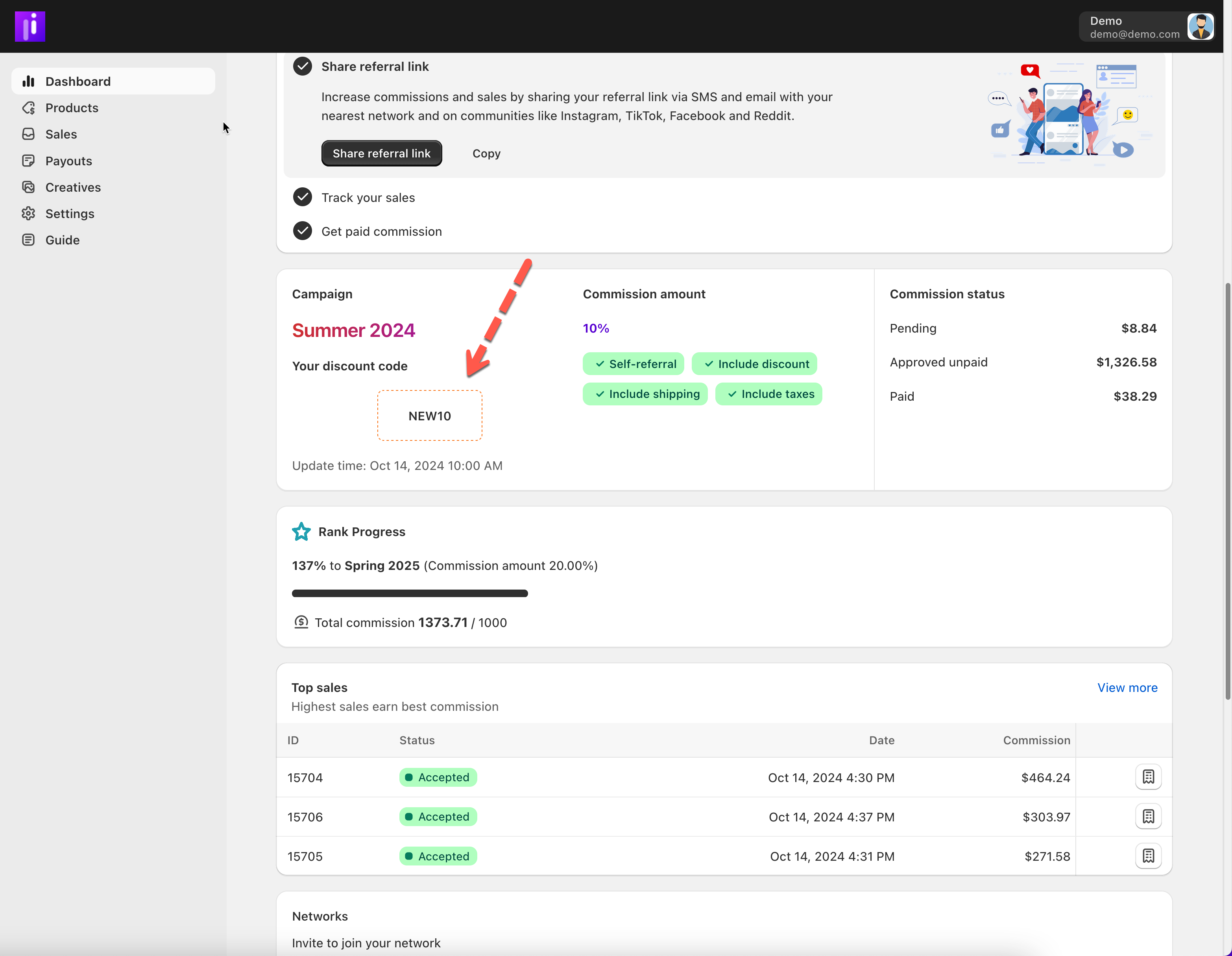
Some programs give you a **personal discount code**.
* Customers get a discount
* You still earn commission
* Sales are tracked automatically
You can find your discount code in the **Discount** section.
💡 Tip: Share both your **link + discount code** to increase conversions.
***
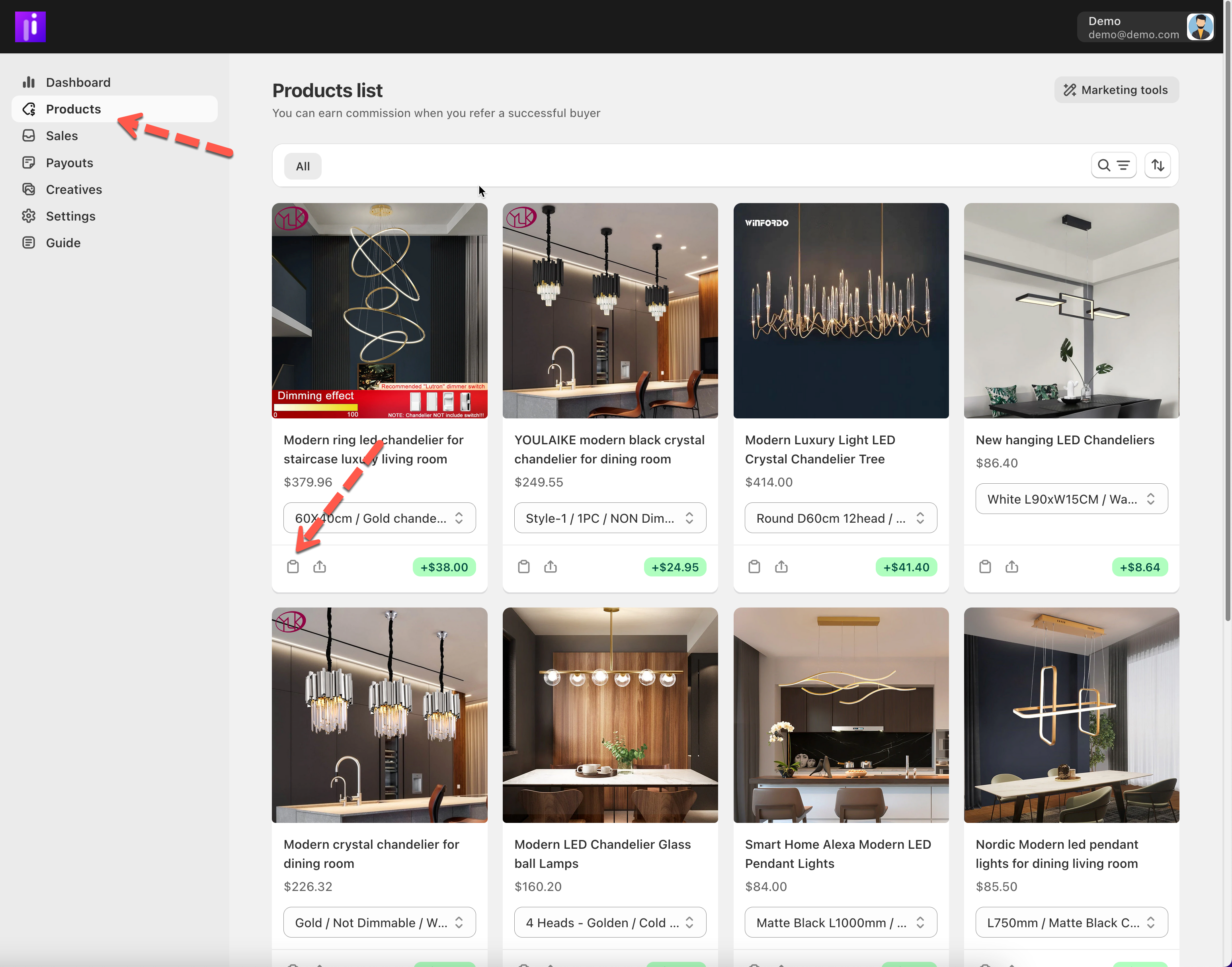
### ⭐ Product Pages
You can promote:
* The entire store
* A specific collection
* A single product
Use product-specific links if you want to focus on one item.
***
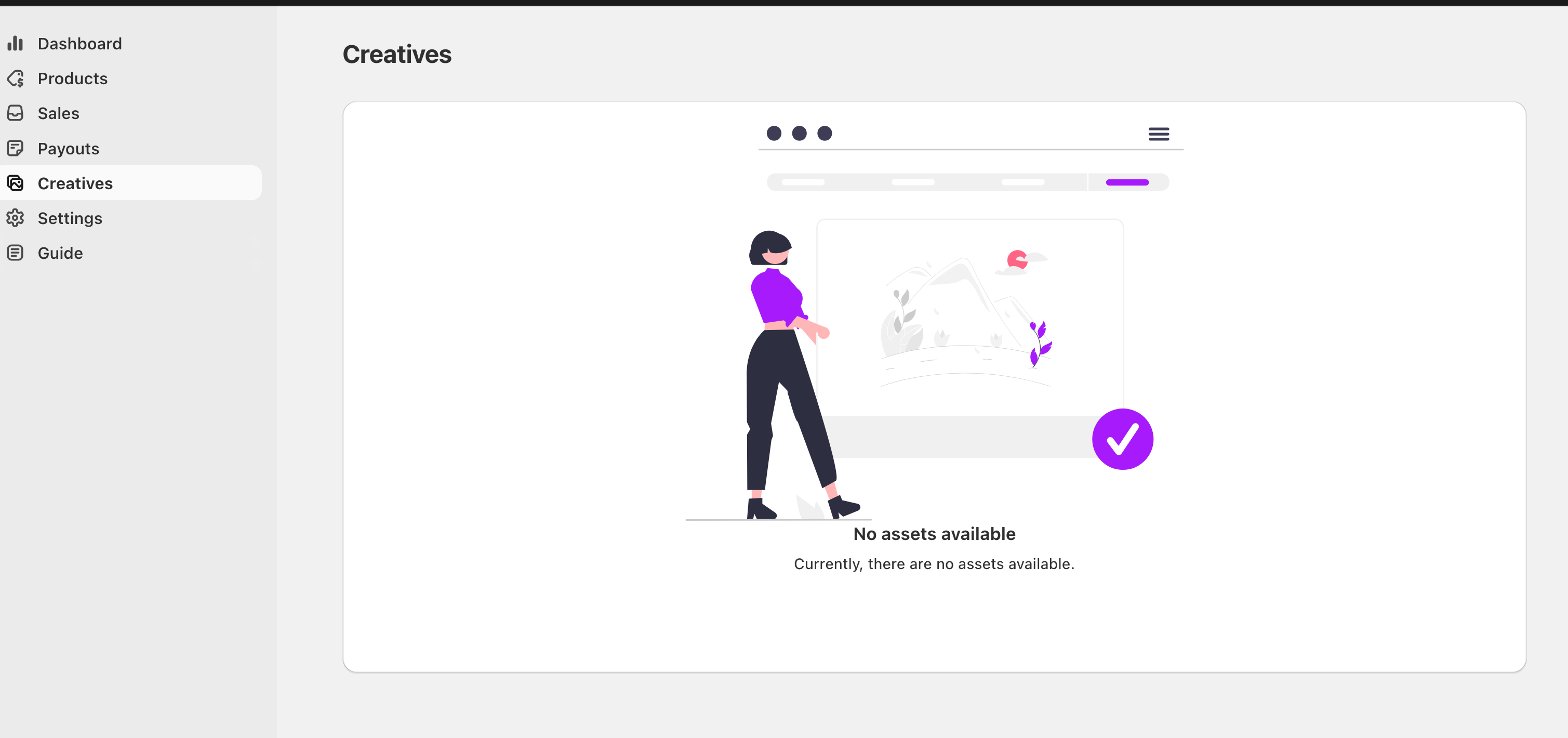
### ⭐ Creatives (If Available)
Some programs provide ready-made creatives, such as:
* Banners
* Images
* Marketing materials
You can find them in the **Creatives** section.
These are optimized for better performance — no design work needed.
***
### ⚙️ Where to Share Your Resources
You can use your promotion resources on:
* Instagram, TikTok, Facebook, X
* Blogs and websites
* Email newsletters
* WhatsApp, Messenger, Telegram
* Online communities
Always use your **referral link or discount code** so sales are tracked correctly.
***
### ⚠️ Important Notes
* Do not change or remove tracking parameters
* Follow the program’s promotion rules
* Only tracked links and codes earn commission